FAQ & Troubleshooting
Wheel of Names in PowerPoint and Google Slides: What Actually Works
Neither app embeds a live wheel natively. The most reliable option is keeping the wheel open in a browser tab and switching to it when you spin.
Key takeaways
- Neither PowerPoint nor Google Slides natively embeds a live, interactive web page like a spin wheel; both need a workaround or a third-party add-in.
- The most reliable method in any version of either app: keep the wheel open in a browser tab and switch to it when you're ready to spin.
- wheelofnames.io has a dedicated embed feature that generates an iframe code. It's built for websites, not for pasting straight into a PowerPoint or Slides file.
- If you don't need it live during the presentation, recording a short screen capture of one spin and inserting it as a video works with zero setup.
Short answer
Neither PowerPoint nor Google Slides can embed a live, spinnable web page on their own.
Both are built for static content: text, images, video files, and a short list of approved embed types like YouTube.
An interactive site like a spin wheel falls outside that list in both apps, so you'll need one of the workarounds below.
Why you can't just paste a link in
Pasting the wheel's URL into a text box or hyperlink doesn't embed it. It creates a clickable link that opens your browser when clicked during the slideshow.
That's actually the basis of the most reliable method below, just not what most people picture when they say "embed."
The reliable method: keep it in a browser tab
This works in every version of PowerPoint and Google Slides, on any operating system, with no add-in and no setup beyond opening a tab.
- Open your wheel at wheelofnames.io in a browser tab before you present, with your entries already loaded.
- Start your slideshow as usual. When you reach the point where you want to spin, switch to that browser tab (Alt+Tab on Windows, Cmd+Tab on Mac).
- Spin the wheel, then switch back to your slideshow (Alt+Tab again) to continue.
- For a shared wheel you'll reuse across multiple presentations, save and share it with a link so it's one click away instead of rebuilt each time.
If you want it inside the slide itself
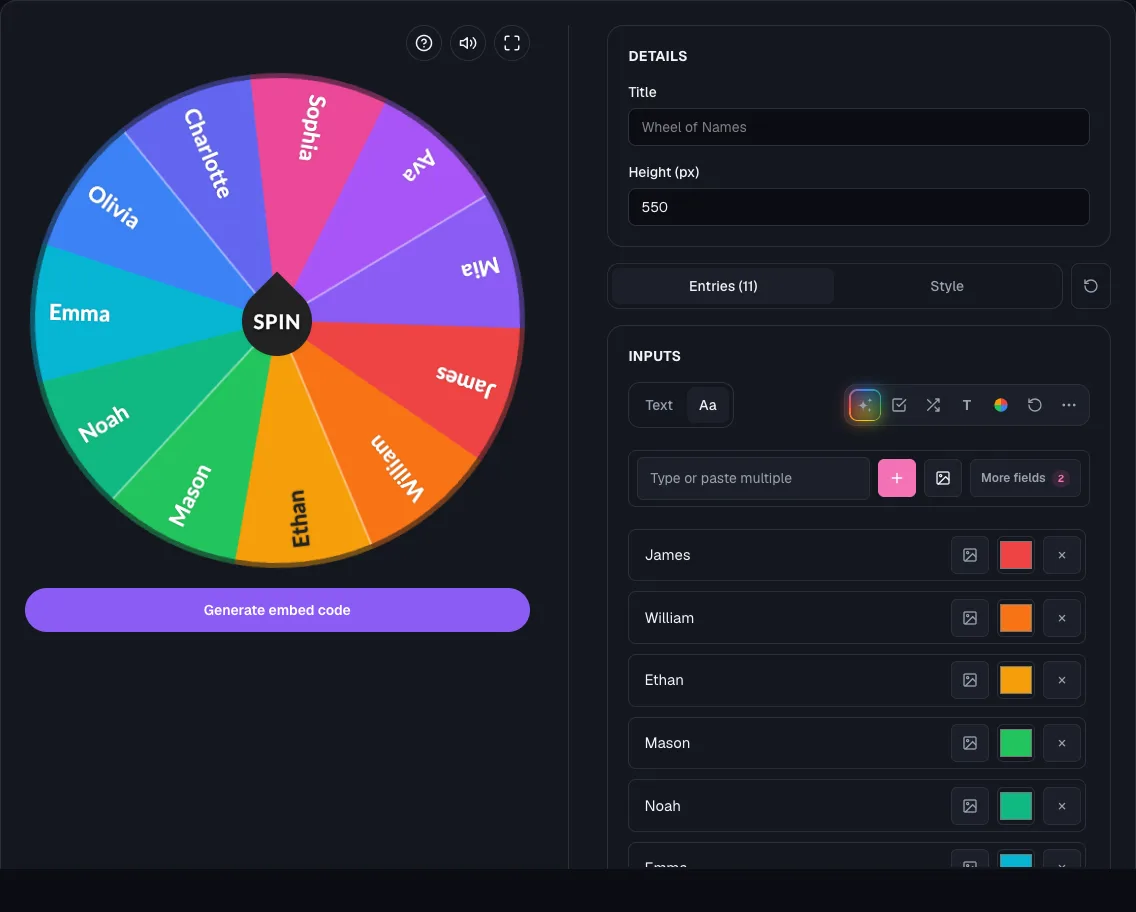
Both apps support live web embeds only through third-party add-ins, since neither ships one built in.
For PowerPoint, options like LiveWeb and SparkSlides add an "insert URL" option under the Insert menu.
For Google Slides, Workspace Marketplace add-ons such as LiveSlides offer a similar embedded-iframe experience.
Install and test one in a real slideshow before your event. Add-ins vary in how reliably they render an interactive canvas-based page like a spin wheel.
What the site's own embed feature is actually for
wheelofnames.io has a dedicated embed page that generates a ready-to-use iframe snippet for a website, not a slide deck.
If you also run a website (a blog, a landing page, a course platform) that's the tool to use there, pasted straight into your site's HTML or CMS.
One detail worth knowing either way: an embedded wheel stays live as long as people keep viewing it and expires only after 180 days with no views, while a share link expires if no one opens it for 60 days, or after 365 days regardless.
Reopen it occasionally to keep the link alive.
No live spin needed? Record it instead
If the outcome doesn't need to be suspenseful in the room, spin the wheel once ahead of time and screen-record it.
Insert the resulting video or GIF as a normal PowerPoint/Slides media object. No browser switching, no add-in, and it plays back identically every time.
Frequently asked questions
- How do I find the embed wheel in Google Slides?
There isn't a built-in "embed wheel" option in Google Slides. Use a Workspace Marketplace add-on for a live embed, or switch to a browser tab during Present mode instead.
- Is there a way to create a wheel of names directly in PowerPoint?
Not natively. PowerPoint doesn't include wheel or randomizer functionality, and it can't run the wheel's interactive canvas without an add-in.
Build the wheel at wheelofnames.io, then use one of the methods above to bring it into your presentation.
- Does the wheel's embed code work if I paste it into a slide?
No. The generated code is an iframe snippet meant for a website's HTML. Neither PowerPoint nor Google Slides renders raw iframe/HTML code pasted into a slide.
- What if I'm presenting somewhere with no internet access?
The browser-tab method needs a live connection to spin a fresh wheel. If you might be offline, record your spin ahead of time and insert it as a video instead.