Customize & Share
How to Embed a Wheel of Names on Your Website
Pasting a screenshot of your wheel isn't the same as letting visitors actually spin it. Embedding drops a real, working wheel straight into your own page.
Key takeaways
- Embedding generates a copy-paste iframe snippet pointing to a dedicated, spinnable wheel page, not a static image.
- Generating the code creates a private, spin-only shared wheel behind the scenes. It's never listed in the public gallery.
- An embed is a snapshot. Editing your wheel afterward doesn't update it: generate a new code and swap it in instead.
- An embed stays live for as long as your page keeps getting visitors. It only expires after 180 days with no views.
What embedding actually gives you
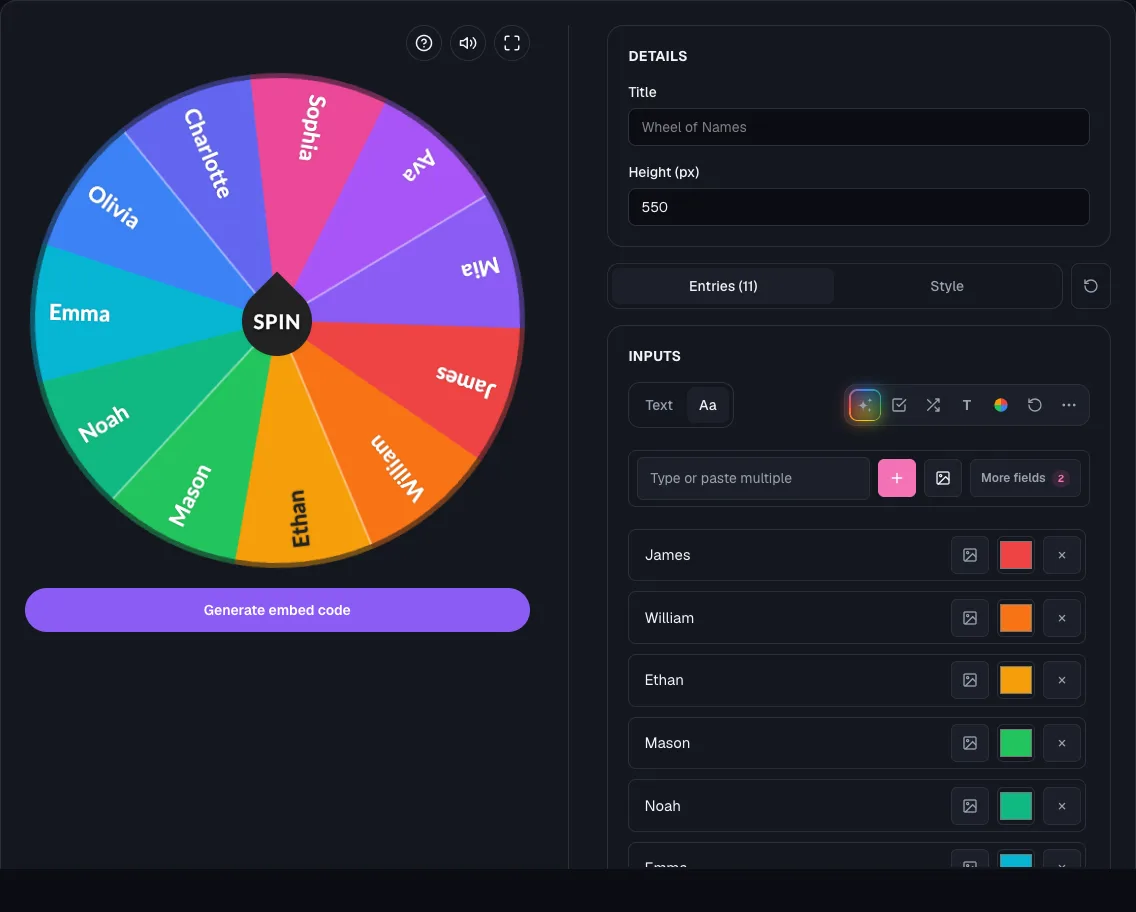
The Embed page turns any wheel into a small, copy-paste snippet you drop into your own site, wiki, or dashboard.
Visitors see a real, working wheel: they can spin it and watch it land, not just a picture of one.
It's built for pages you don't want to send people away from, like a classroom site, a team wiki, or a blog post.
| Feature | Full editor | Embedded wheel |
|---|---|---|
| Spin the wheel | Yes | Yes |
| Share button | Yes | No |
| Fullscreen button | Yes | No |
| Sound effects | Yes | Yes |
| Generate with AI | Yes | No |
| "Made with Wheel of Names" credit | No | Always shown |
Step 1: Build the wheel you want to embed
Add your entries and set up colors, fonts, or images the way you want them to look first.
See how to add images to a wheel of names if you want photos in the embed too.
An embed is a snapshot taken the moment you generate it, so finish styling before generating the code, not after.
Step 2: Open the Embed page and set the basics
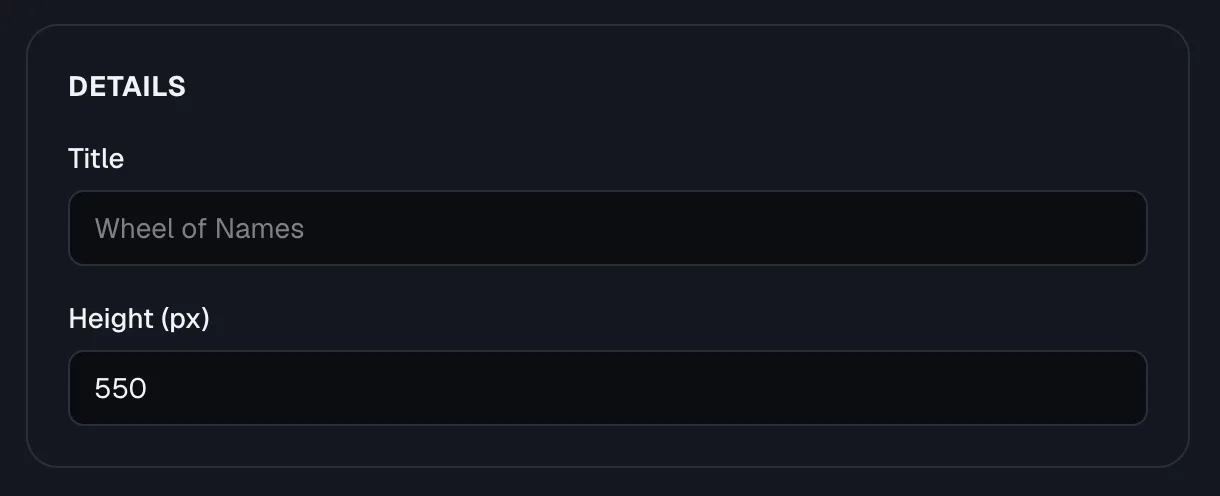
- Go to the Embed page and give the embed a Title, used as the iframe's accessible title for screen readers.
- Set a Height in pixels. It accepts anywhere from 200 to 2000, and defaults to 550 if you leave it as-is.
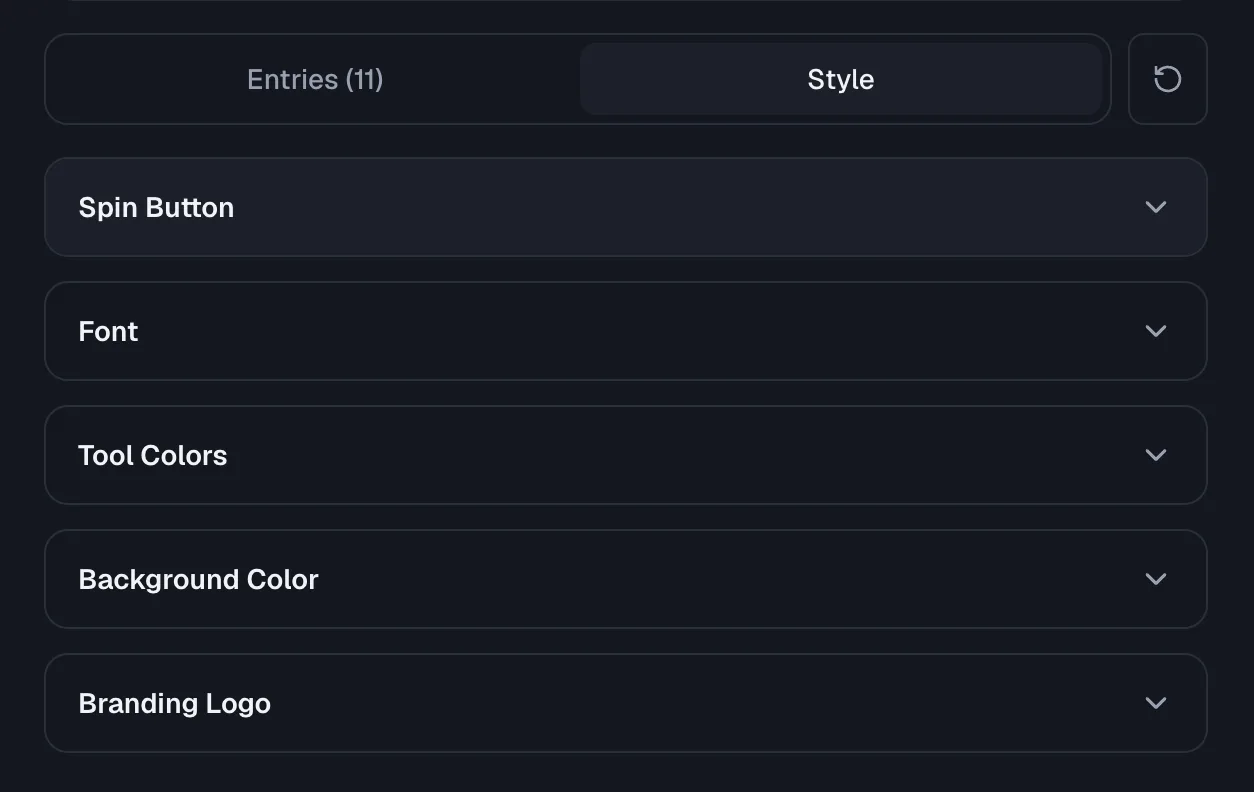
- Switch between the Entries and Style tabs to fine-tune the wheel the same way you would in the full editor.
Step 3: Generate the code and paste it in
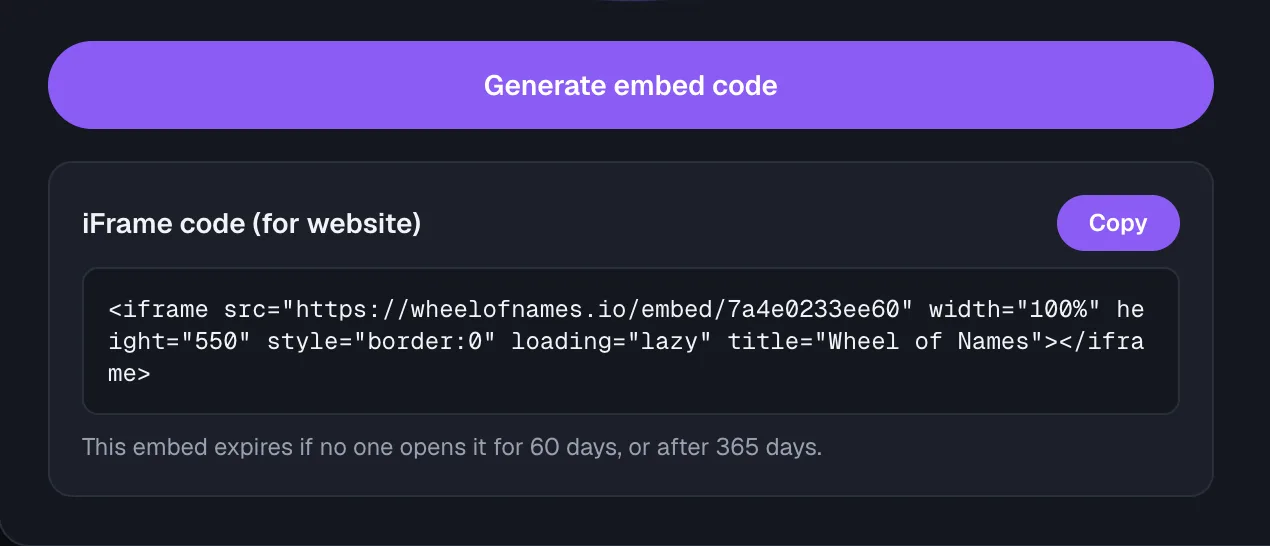
Click Generate embed code. Wheel of Names creates a private, spin-only shared wheel behind the scenes and returns a ready-to-paste snippet.
The snippet points at a dedicated wheel page, sized to the height you chose, and fills 100% of the width wherever you paste it.
Copy it with the Copy button and drop it into your site's HTML, wiki, or dashboard editor.
- If you see "This wheel is too large to embed," trim a few entries or shrink some images and generate again.
What's different in the embedded player
The embedded wheel drops a couple of controls that only make sense inside the full editor.
The share button and fullscreen button don't appear, since visitors are already on your page, not the wheel's own site.
Sound effects still work if the wheel has them turned on.
Every embed also carries a small, permanent "Made with Wheel of Names" credit, with no setting to remove it.
Snapshots, updates, and expiry: what to expect later
An embed freezes the wheel's entries and style at the moment you click Generate. Editing the original wheel afterward doesn't change what's already on your site.
When you want different entries or a new look, generate a fresh embed code and swap it in for the old one.
An embed expires only after 180 days with no views, so a page that keeps getting visitors keeps it alive.
Frequently asked questions
- Does an embedded wheel update automatically when I edit the original?
No. An embed is a snapshot taken when you click Generate embed code.
Edit your wheel afterward, then generate a new embed code and swap it into your site to see the changes.
- Do I need to make my wheel public to embed it?
No. Generating an embed code automatically creates a private, spin-only shared wheel behind the scenes.
It's never listed in the public gallery, even though anyone with the embed link can open it.
- Can I remove the "Made with Wheel of Names" credit?
No, it's a small, permanent part of every embedded wheel with no setting to hide it. The rest of the wheel is fully yours to style.
- Will an embedded wheel ever stop working?
Only if nobody views it for 180 days. As long as your page keeps getting visitors, the embed keeps working with no fixed end date. Generate a fresh code if an old embed stops loading.
- What size iframe should I use?
Height accepts 200 to 2000 pixels and defaults to 550, which fits most wheels comfortably. Width is automatic: the iframe fills whatever space you drop it into.